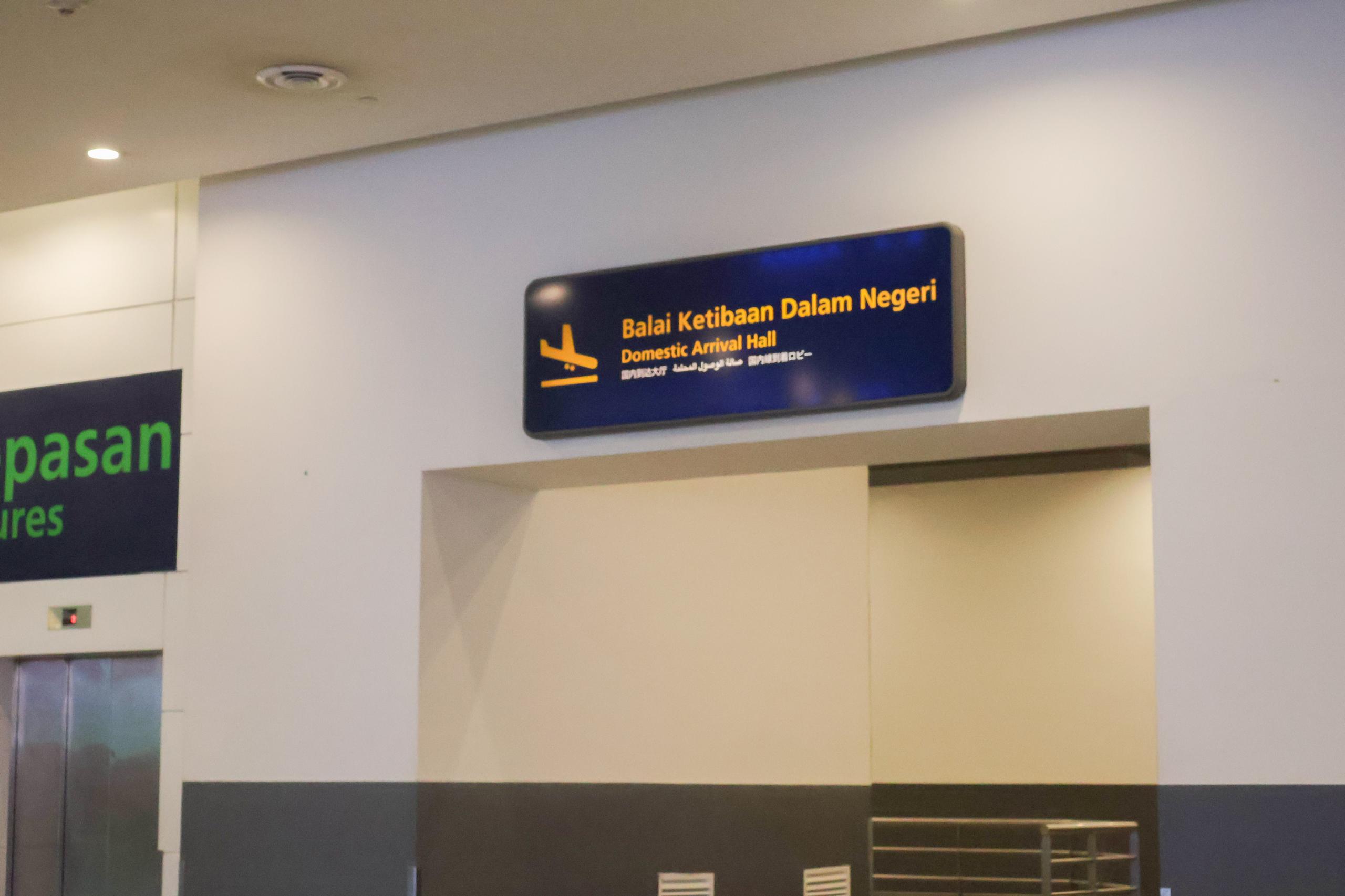
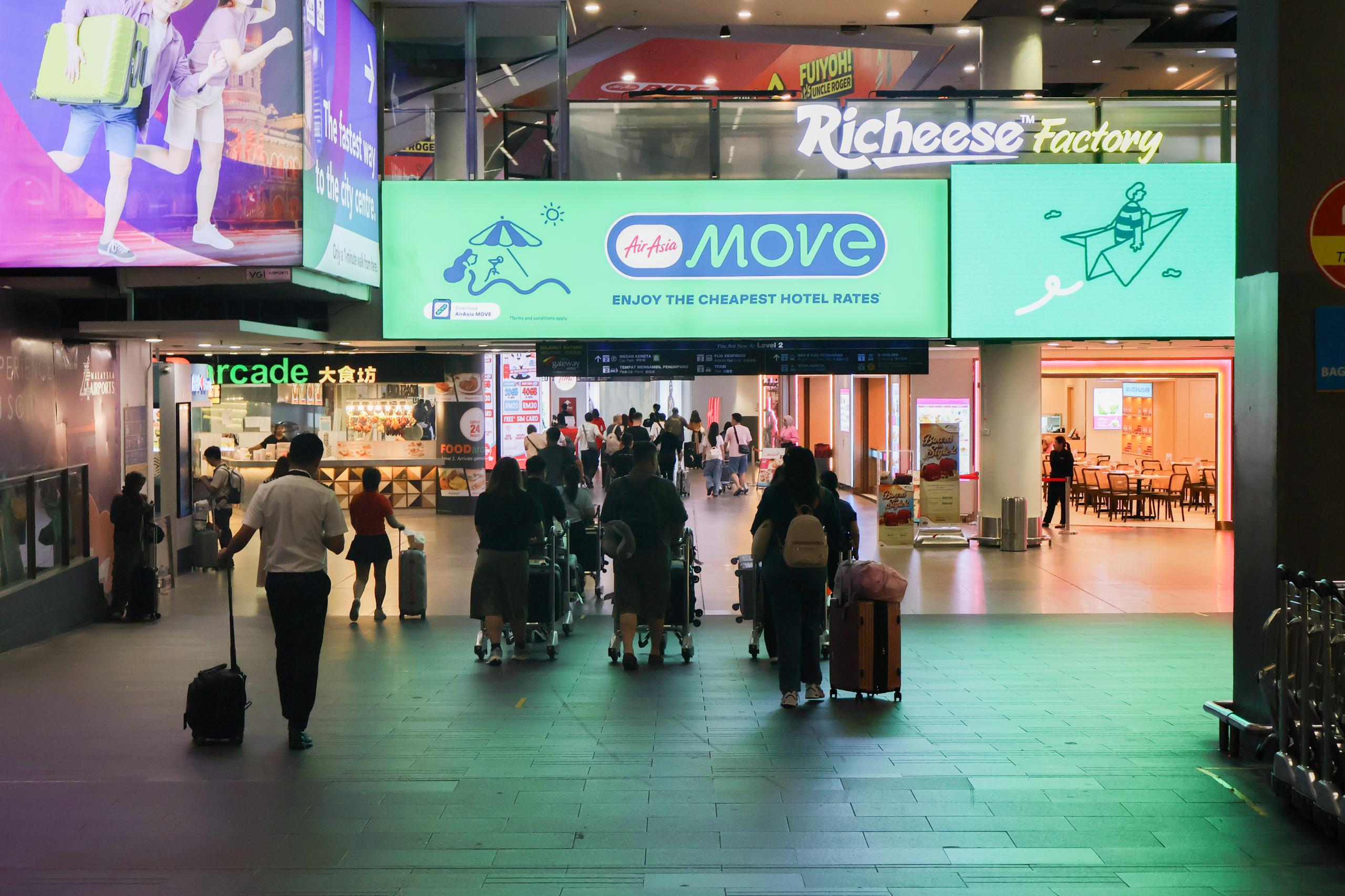
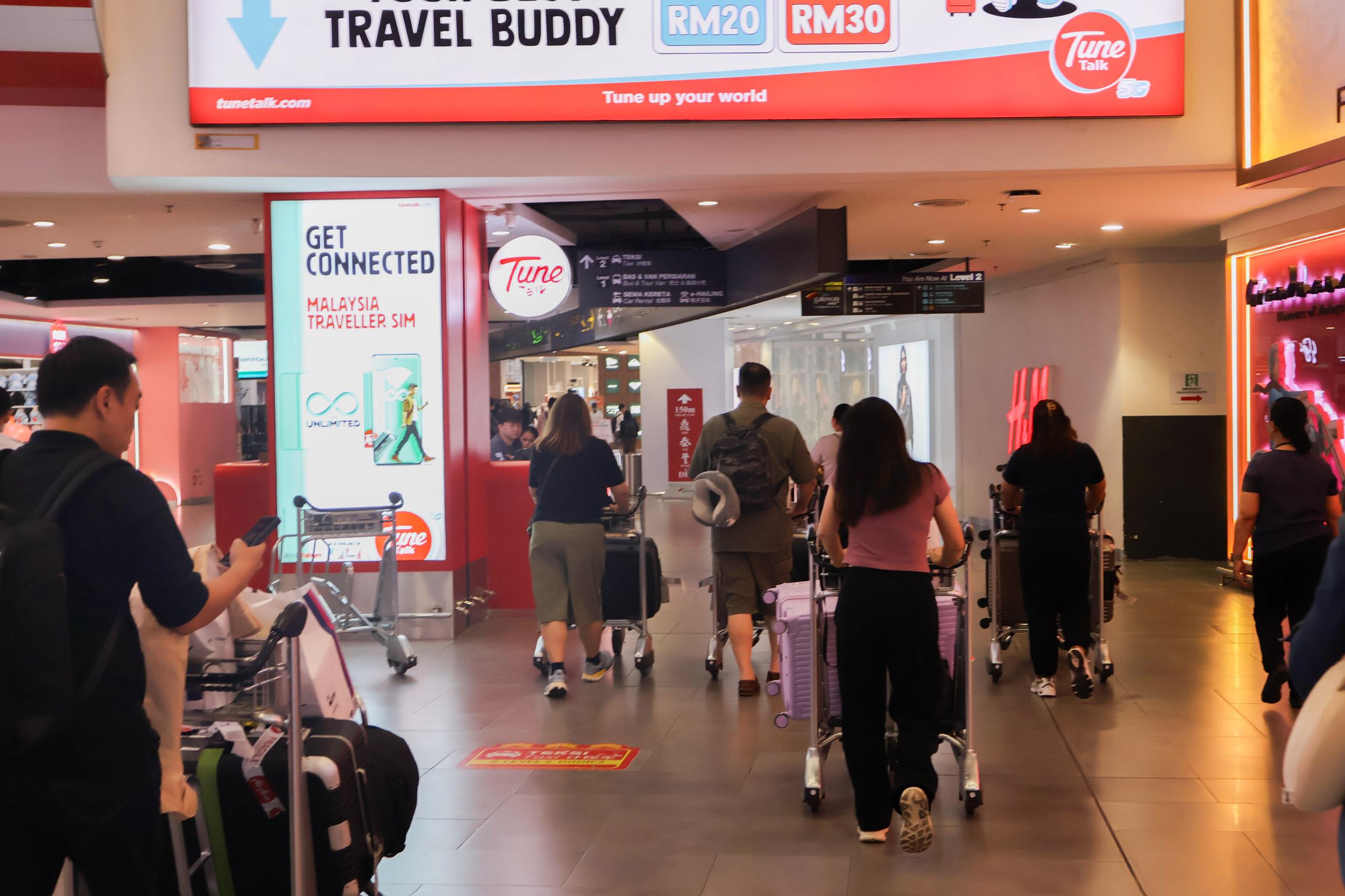
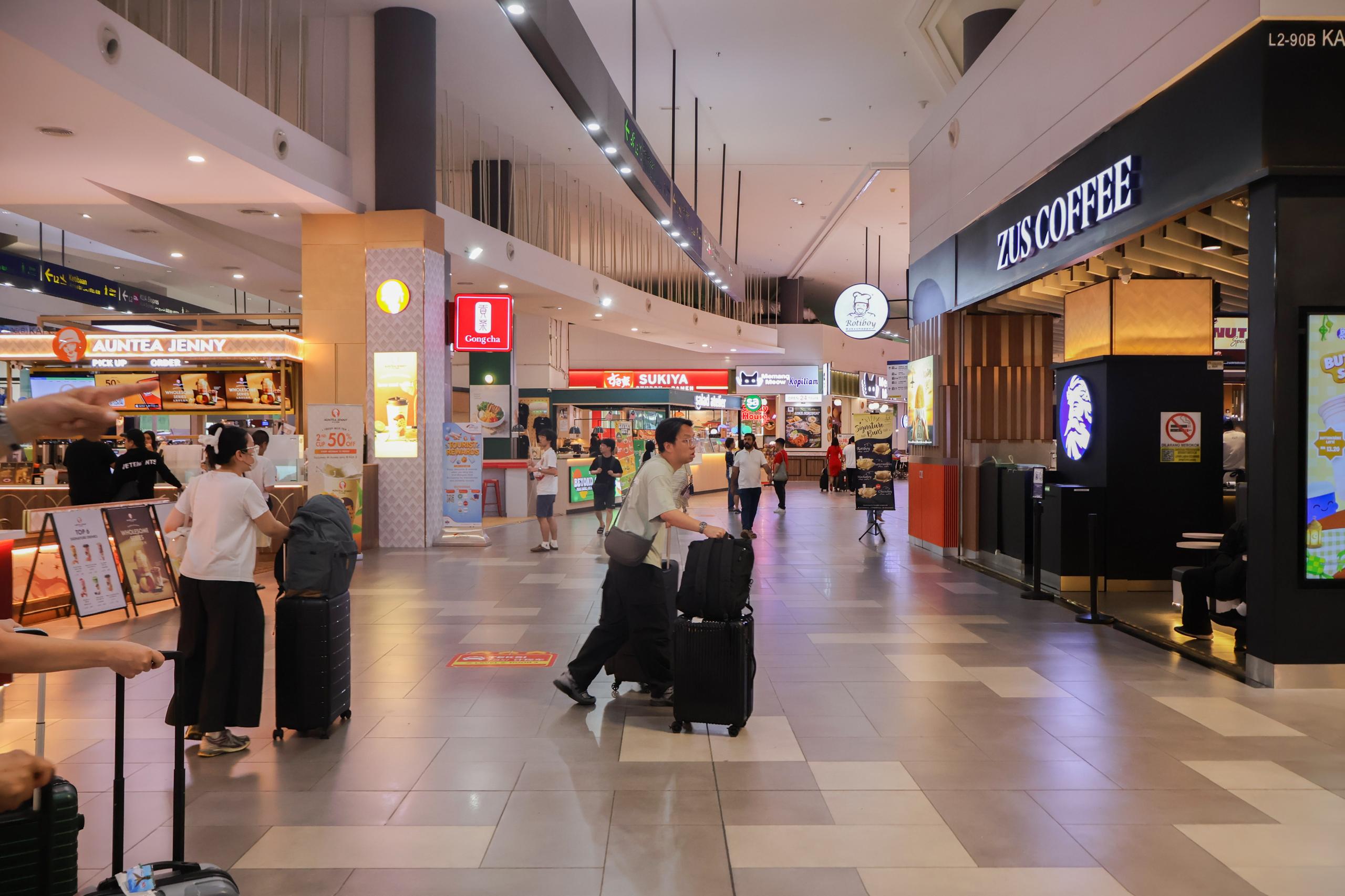
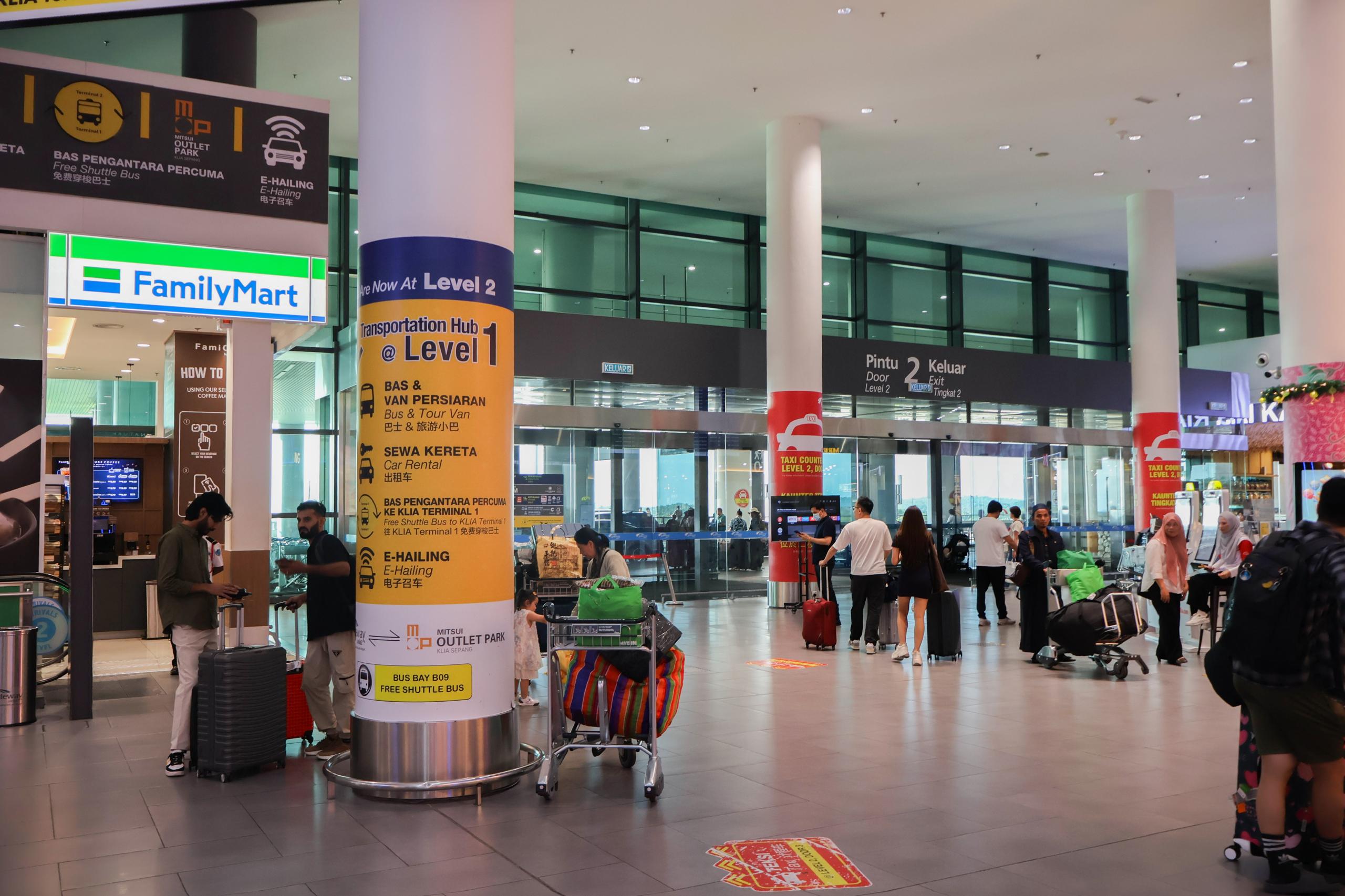
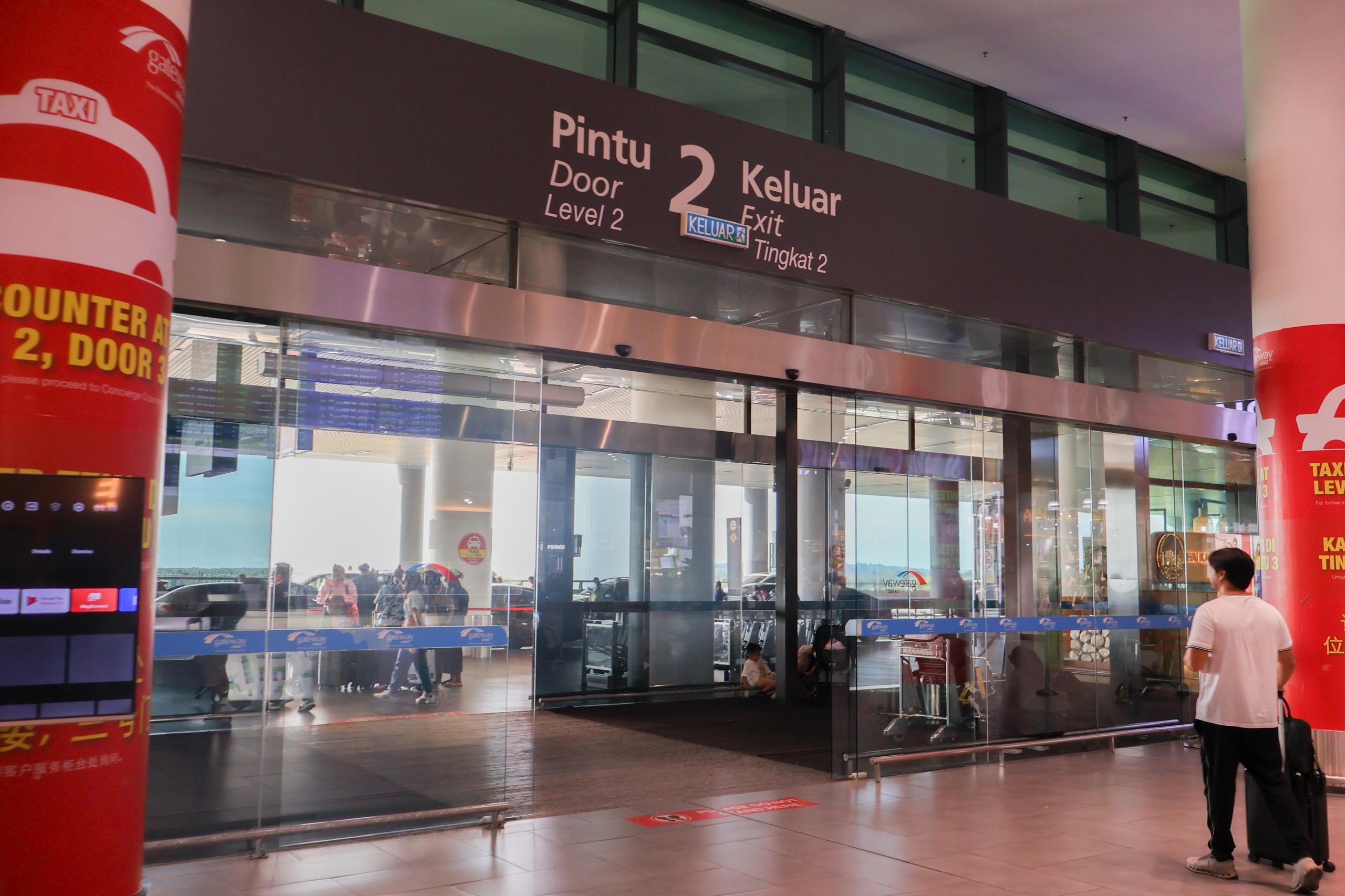
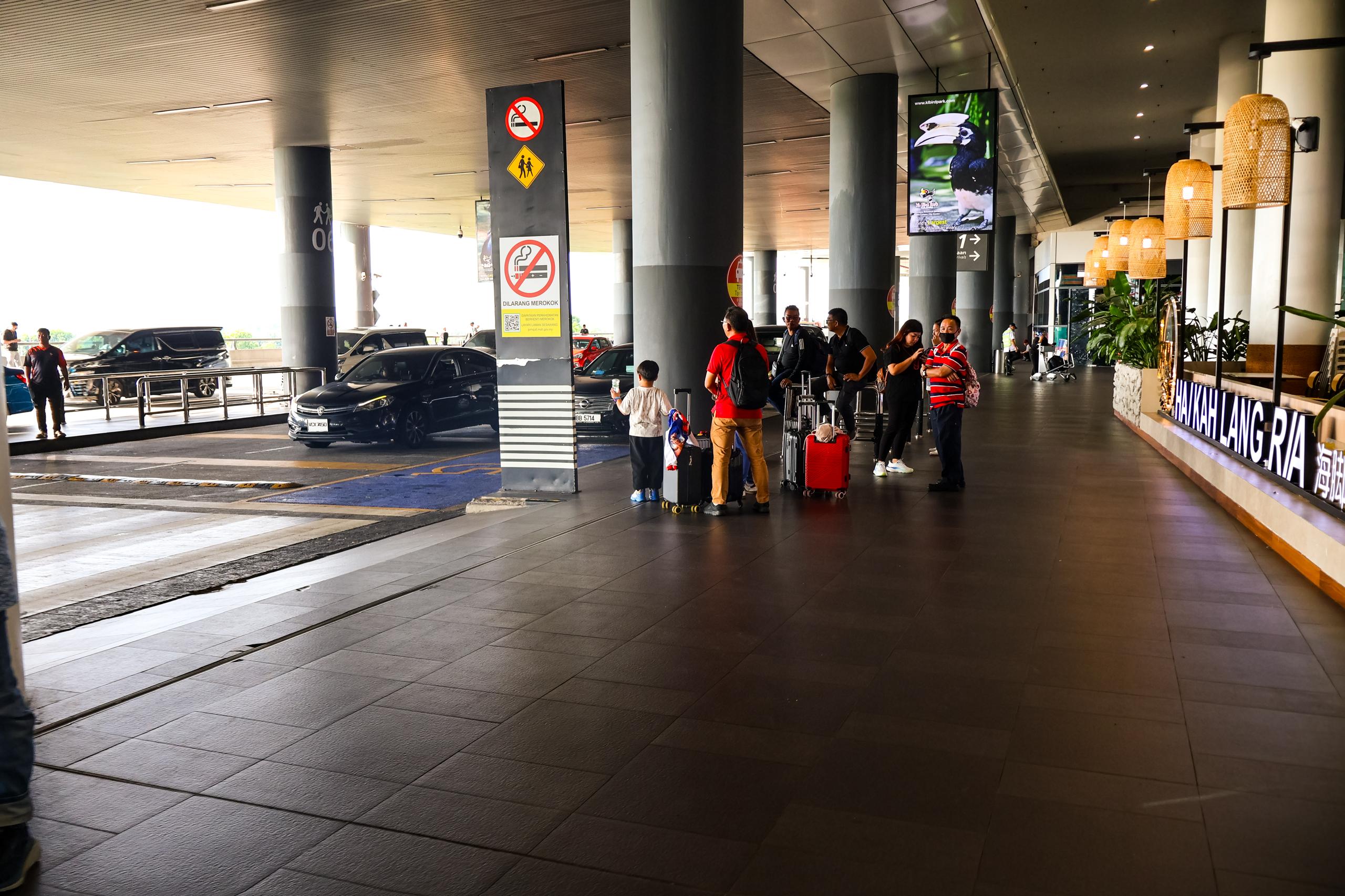
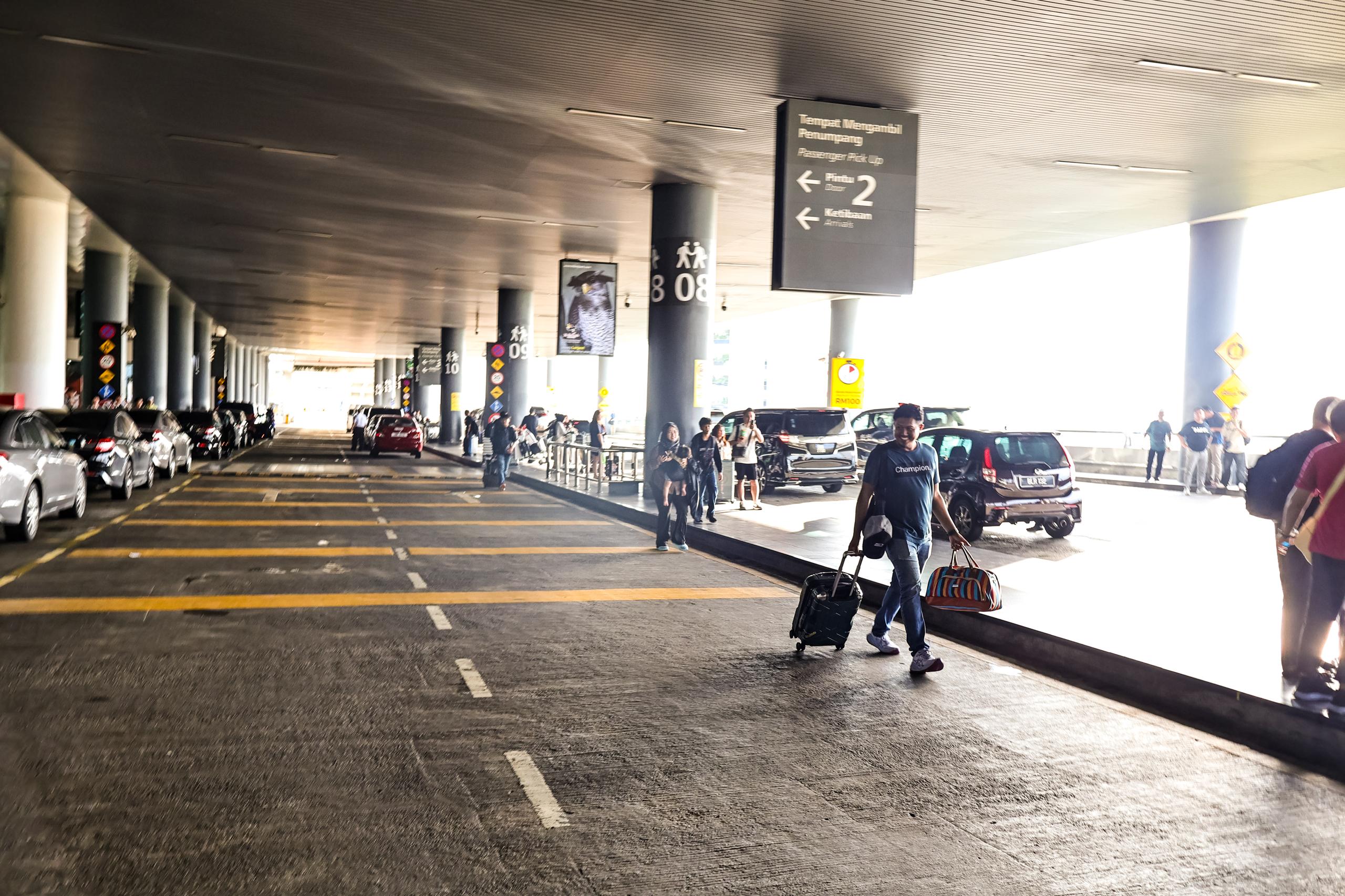
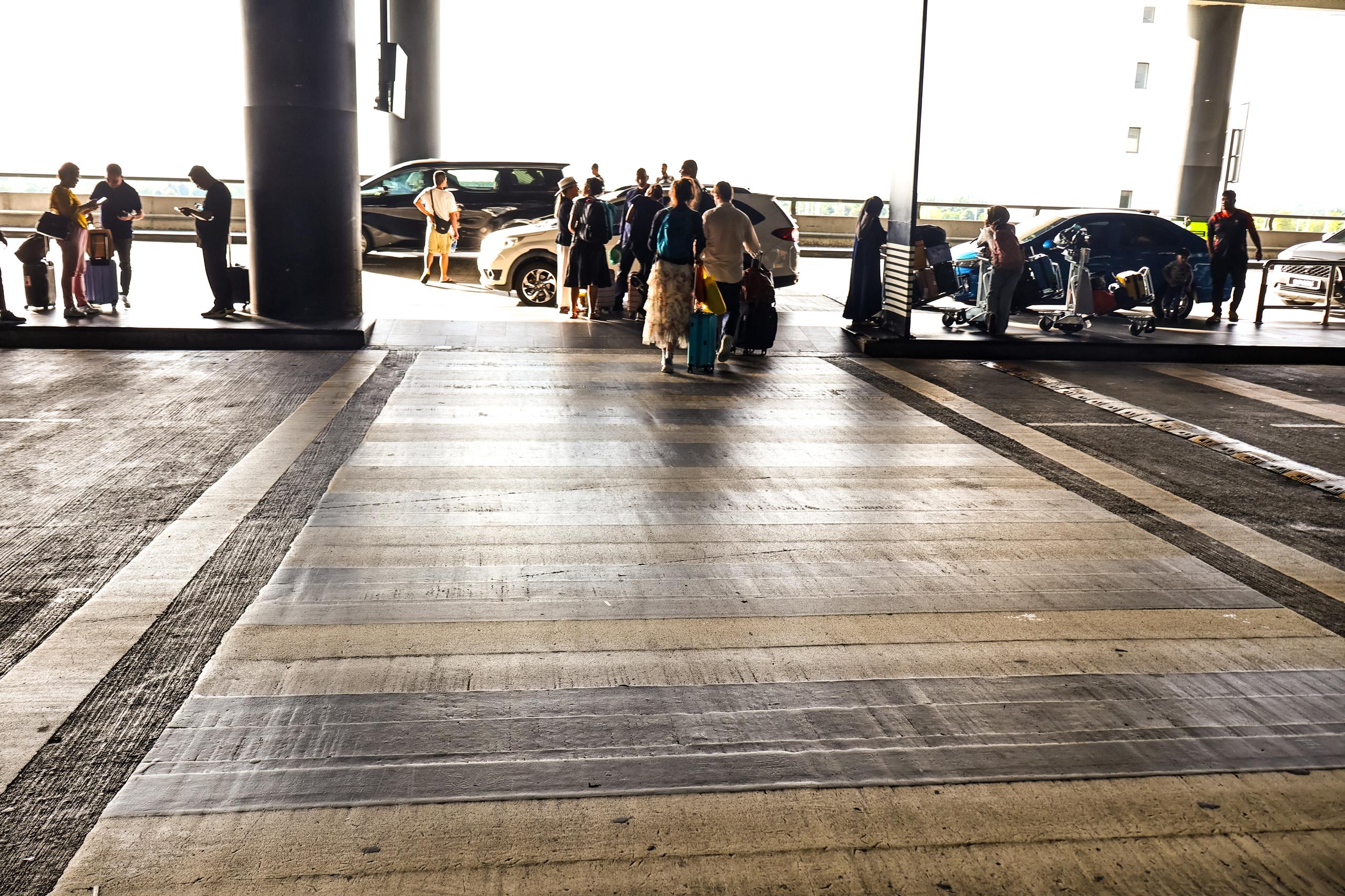
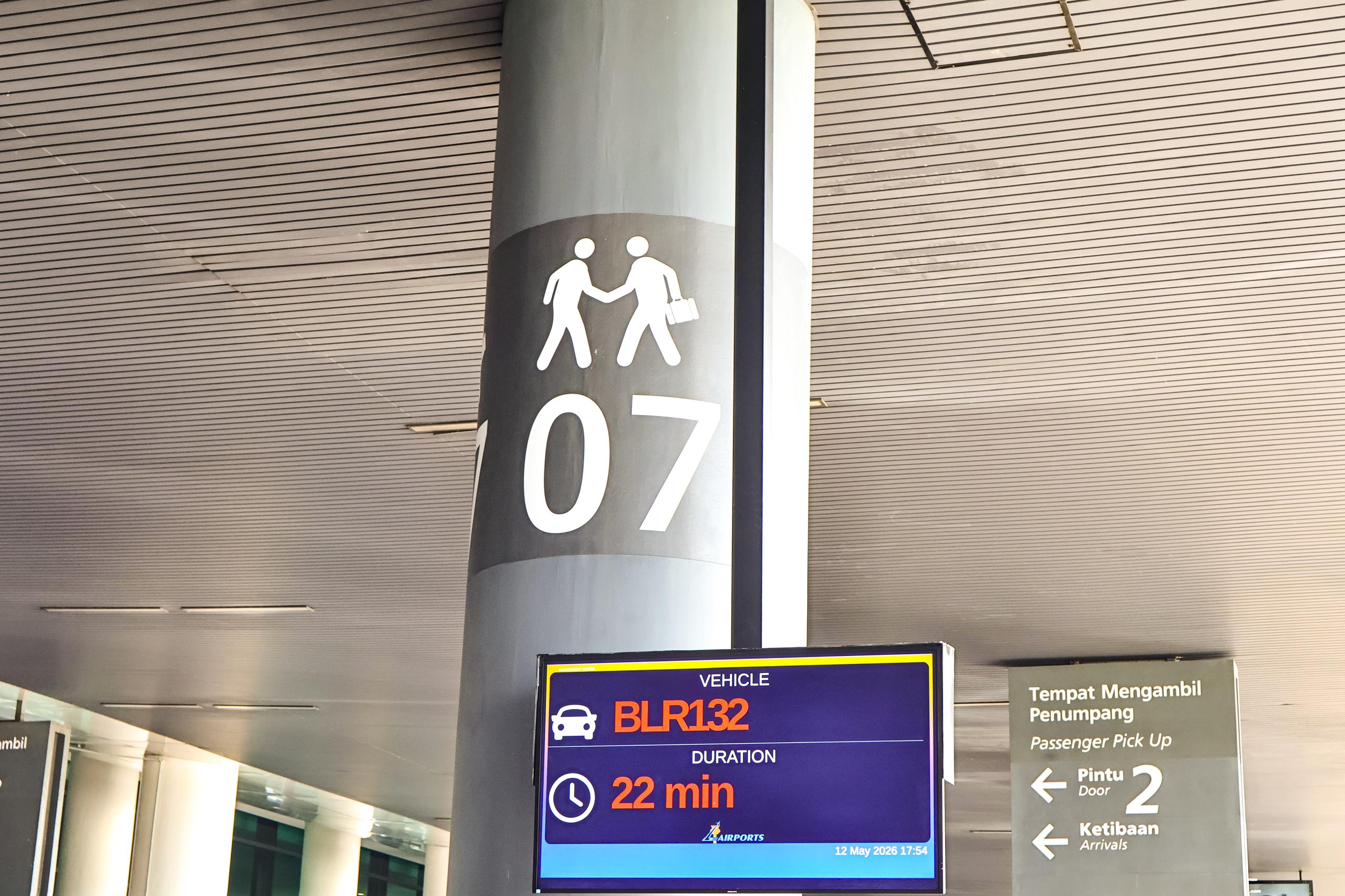
No need to go up, down, or to the e-hailing area.
KLIA Terminal 2 guide
Arrival pickup guide for KLIA Terminal 2.
Use this guide after landing at Terminal 2. Once you have collected your luggage, stay on the arrivals level and message your driver which door or zone you are waiting at.
Message the exact door or zone once you are outside.
The driver may need a few minutes to reach your pickup door.
After landing
Simple steps at KLIA Terminal 2.
Follow these steps when you are ready to meet your Ellrae driver. The important part is simple: stay on arrivals level, then tell your driver your door or zone.
Clear immigration
Complete immigration and proceed to the baggage area as usual.
Collect your luggage
Only message the driver when you have all luggage and are ready to move out.
Exit to arrivals
After customs, stay on the same arrivals level where passengers come out.
Go to the nearest door
Step outside to the arrival pickup lane and check the door or zone label.
Message your driver
Send your door or zone so the driver can come directly to that point.
Wait at the same spot
Please stay at the same door or zone after messaging, unless the driver updates you.
Please remember
- Do not go to the E-Hailing Level.
- Do not change doors after sending your location.
- Keep WhatsApp open in case the driver asks for a clearer landmark.
- If you are unsure, send a photo of the door or sign to the driver.
Need help at Terminal 2?